
Mobile Number Verification is an essential step for securing and managing your online business presence, especially on platforms like Google My Business. It ensures that only authorized users can access and control your business profile, protecting it from unauthorized changes or misuse.
With proper Mobile Number Verification, businesses can receive OTP (One-Time Password) codes to confirm their identity during login, profile updates, or ownership verification. This process helps maintain the accuracy and security of your business information on Google Maps and Google Search. Without successful verification, you may face issues like limited access, inability to update details, or even suspension risks.
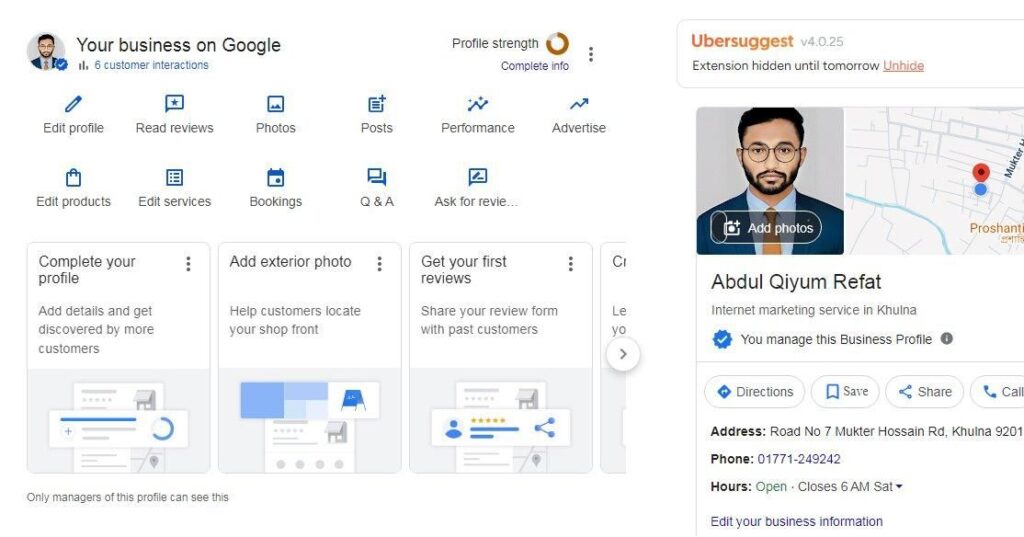
GMB Mobile Number Verification: Complete Guide for Businesses
Google My Business (now known as Google Business Profile) is an essential tool for local businesses to appear on Google Search and Maps. One of the most important steps in setting up your profile is mobile number verification, which ensures your business is authentic and trustworthy.
What is GMB Mobile Number Verification?
GMB mobile number verification is the process where Google sends a verification code (OTP) to your registered mobile number. By entering this code, you confirm that you are the rightful owner or manager of the business listing. This step helps prevent fake listings and builds trust with customers.
Why is Mobile Verification Important?
Mobile verification is crucial because it:
- Confirms your business authenticity
- Allows you to manage your listing fully
- Enables features like reviews, posts, and updates
- Improves your visibility on Google Maps and local search results
Without verification, your business profile remains limited and may not appear prominently in search results.
Steps to Verify GMB via Mobile Number
Follow these simple steps:
- Sign in to your Google Business Profile account
- Select your business listing
- Choose the “Verify by Phone” option
- Enter your mobile number correctly
- Receive the OTP and enter it in the verification field
Once completed, your business gets verified instantly in most cases.
Common Issues and Solutions
Sometimes, users face problems during mobile verification:
- OTP not received: Check network or try again later
- Wrong number: Update your business phone number
- Option not available: Google may offer postcard or email verification instead
In such cases, you can choose alternative verification methods provided by Google.
Tips for Smooth Verification
- Use a valid and active mobile number
- Ensure your business details match across platforms
- Avoid multiple verification attempts in a short time
- Keep your phone nearby during the process
Conclusion
GMB mobile number verification is a quick and essential step to establish your online presence. By verifying your business through your mobile number, you gain full control over your listing and improve your chances of attracting local customers. Make sure to complete this process correctly to maximize the benefits of your Google Business Profile.